2014–present · Global
Material Design
Also known as Google Material, Material You
Google's comprehensive design system that reimagines flat interfaces as sheets of digital 'material,' using elevation, realistic shadows, and physics-based motion to give pixels tangible behavior.
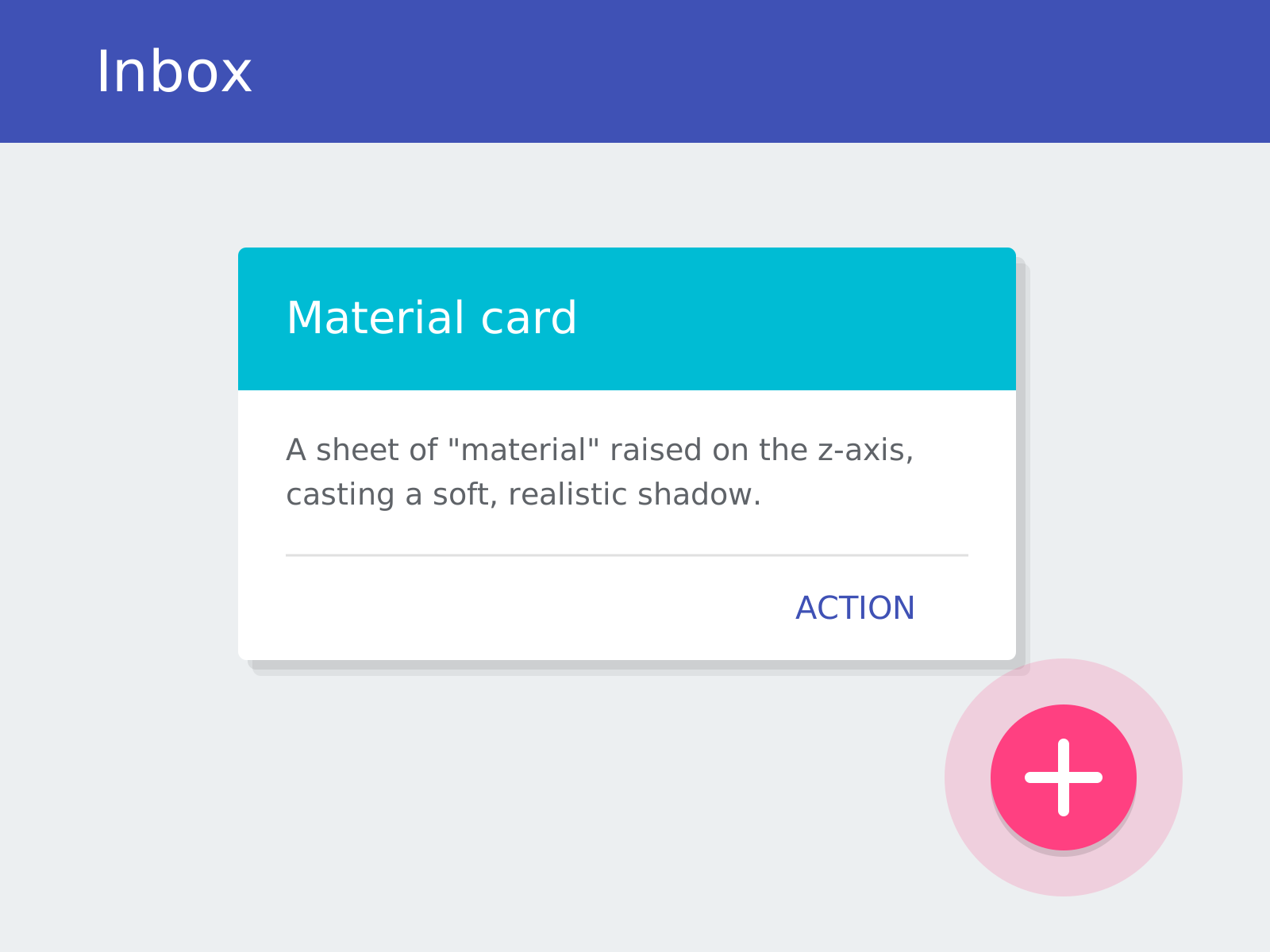
Original specimen, not a historical artifactOriginal specimen in the Material Design UI style. Owned; source: Design Style Book (original).
Across disciplines
- Typography: Roboto
About the style
Material Design is the unifying design language Google introduced in 2014 to bring coherence across its products and the Android ecosystem. It answered pure flat design's ambiguity with a metaphor: interface elements behave like sheets of a magical paper-and-ink 'material' that occupy a layered z-axis, casting realistic shadows to convey elevation and hierarchy. The system codifies bold, deliberate color drawn from print, a baseline grid, the Roboto typeface, and meaningful motion in which elements move according to consistent physical rules. Signature components like the floating action button, the elevated card, and the ripple touch feedback became near-ubiquitous across apps. Material is unusually rigorous, published as an exhaustive specification with guidelines, tokens, and component libraries, and it has evolved through Material 2 and the 2021 Material You, which added user-driven dynamic color, keeping the system influential a decade on.
Notable examples
- ▸Google — Material Design launch at Google I/O (2014)
- ▸Google — Material You / Material 3 dynamic color (2021)
- ▸Google — Android Lollipop system interface (2014)
Anatomy of Material Design
The numbered markers call out the design elements that define this style. Hover or tap a marker to see its breakdown.
Original specimen, not a historical artifactOriginal specimen in the Material Design UI style. Owned; source: Design Style Book (original).
An interface surface sits raised on the z-axis, layering like a physical sheet of paper above the background.
A subtle shadow beneath each element communicates its elevation and relationship to the others.
A circular elevated button anchors the primary action of a screen — a Material signature.
A deliberate, saturated colour bar drawn from print design tops the layout and sets the app's identity.
How Material Design connects
Styles form a network, not a tree. Explore the direct neighbours below — click any to travel the map one hop at a time.
- Evolved from
- Influenced by
- Parallel / cross-current
Hover or tap a style to preview it.
Evolved from Flat Design — answered flat design's ambiguity by reintroducing elevation, shadow, and motion
Influenced by Swiss Style — kept the Swiss baseline grid, bold colour, and clean sans-serif type
Roboto parallel / cross-current Material Design — the system face of Google Material Design
Describe it like this
Prompt-ready vocabulary for describing or re-creating the Material Design look. Tap a word to collect it in Designdeas.
Get copy-ready Material Design AI prompts →